Remove People from Photo
Paint over anyone you don't want in the picture, and AI fills in the background. Free, no sign-up.
- 2 free removals a day
- No sign-up, no watermark
- Photos deleted after processing
Before and after examples
Real photos, edited with this tool. Drag the slider to compare.
 BeforeAfter
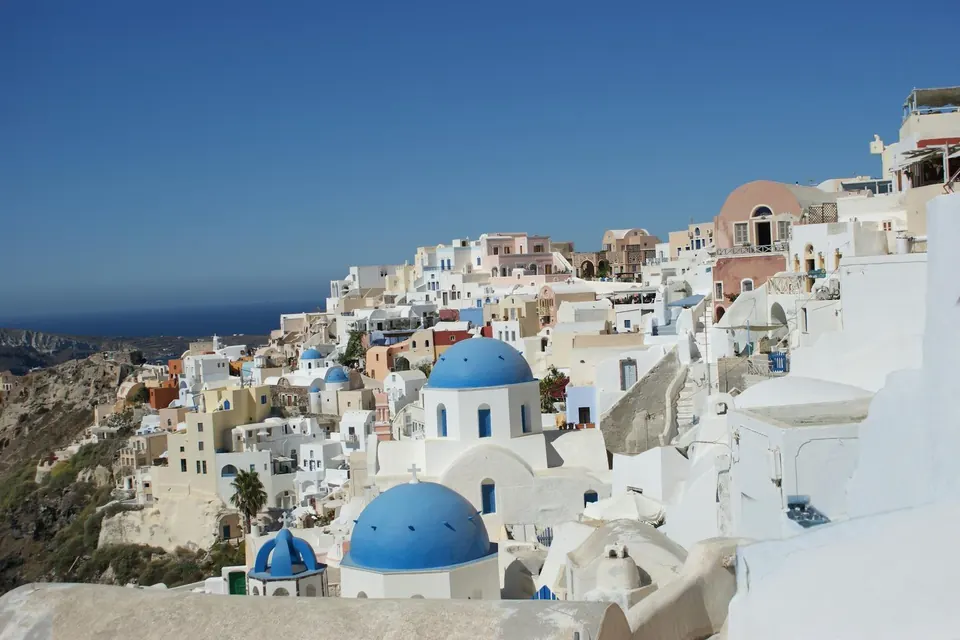
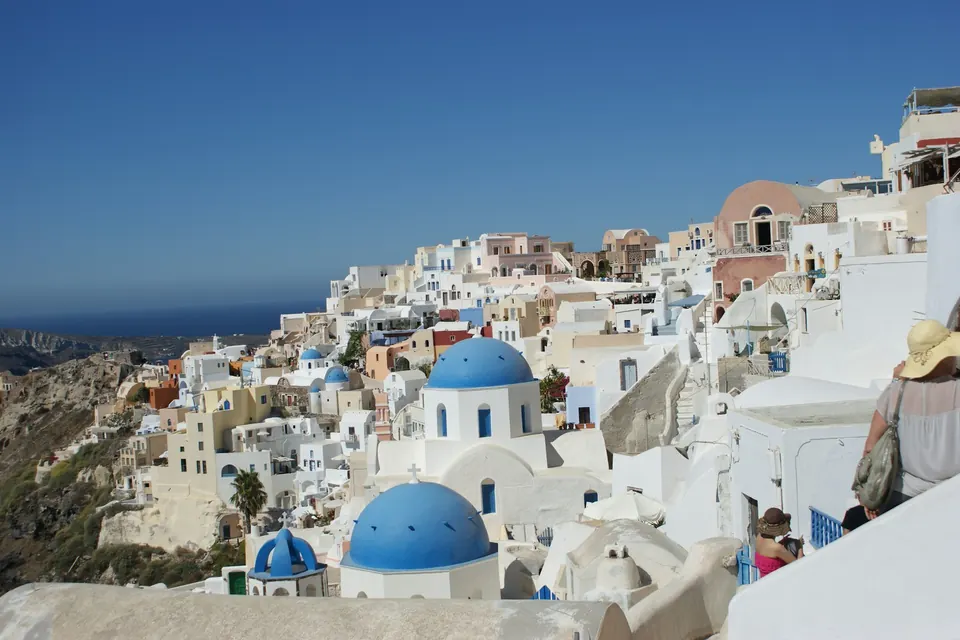
Tourists removed in Santorini
Three people removed. The white walls behind them are filled in.
 BeforeAfter
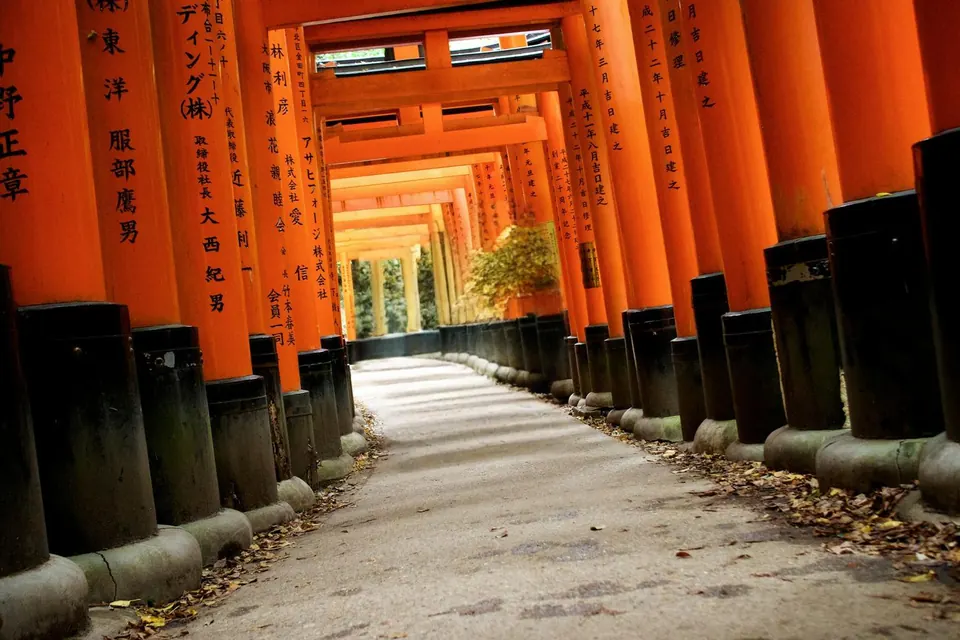
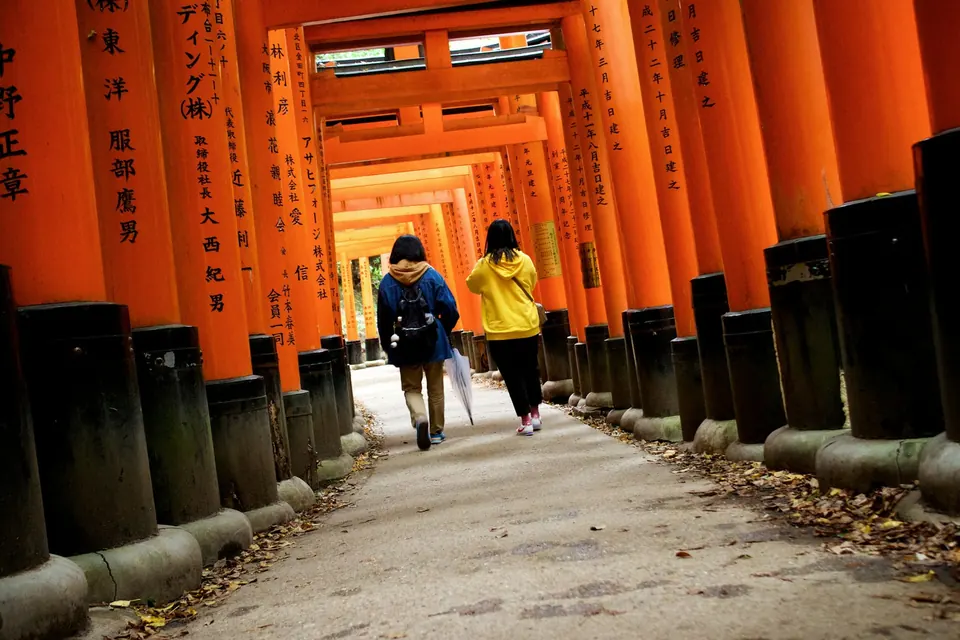
Visitors removed at a Kyoto shrine
Two people removed from the path through the torii gates.
 BeforeAfter
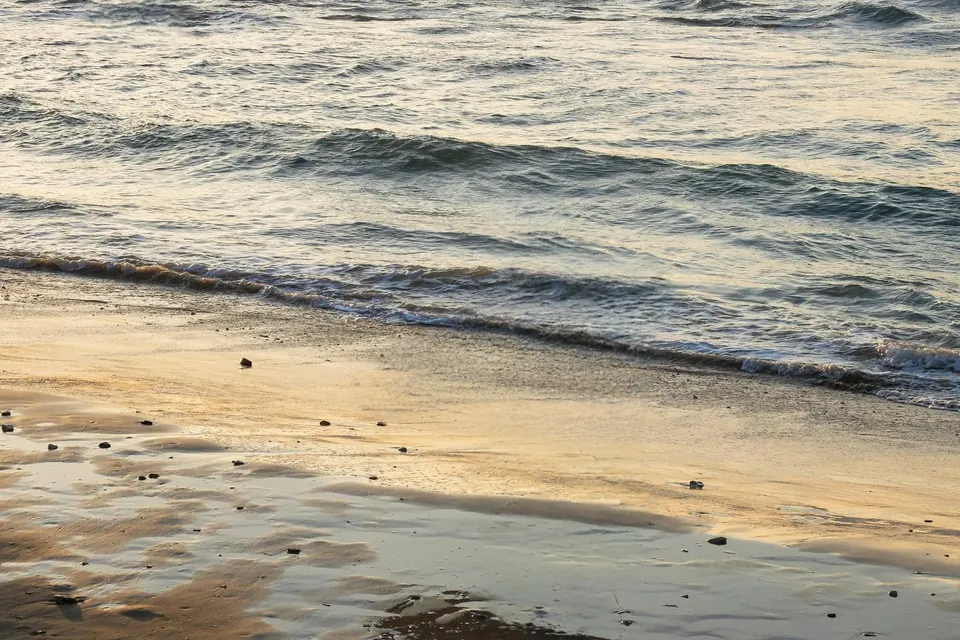
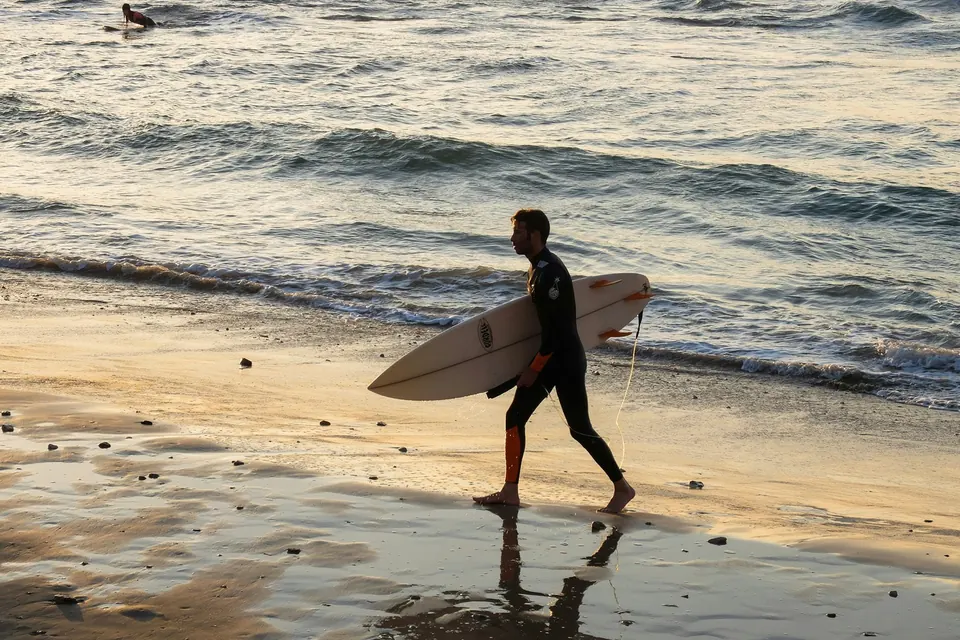
Surfer removed from a beach
The surfer, his board and his reflection are gone, and so is a second surfer in the water.
Results made with this tool. Original photos by Sheila C, Saara Sanamo and Ihor Saveliev on Unsplash.
How to remove people from a photo
- 1
Upload your photo
Choose a JPG, PNG or WebP photo, up to 10 MB.
- 2
Paint over the people
Brush over each person you want to remove, and their shadow too. Made a mistake? Click Undo.
- 3
Remove and download
Click Remove people. In 20–30 seconds you'll see the result. Compare it with the original, then download it as a PNG.
Want a cleaner result? Read our guide to removing people from photos, with tips and the cases where it doesn't work well.
Why use this people remover
Made for removing people
It does one job: filling in the space where people were, so it matches the rest of the photo.
Your photos stay private
We don't store your photos. They're deleted after processing, within 24 hours at the latest.
Works on your phone
Use it in your phone's browser and paint with your finger. No app needed.
Free every day
2 free removals every day. No account, no credit card, no watermark.